 ClearPix
Person · licensed portrait animation


Caution: this 6-second portrait animation reaches 1080×1920, but the Fast tier makes skin look waxy and hair texture unnatural. It is not presented as a successful restoration.
Download the actual 1080p MP4ClearPix enlarges short vertical videos for TikTok, Reels and Shorts on your device. Start with a clean 1080×1920 master for full-screen vertical publishing instead of assuming 4K will help. Compare real person, product and screen-recording outputs before export. Your footage is never uploaded, but missed focus, noise, camera shake and compression artifacts cannot be repaired automatically.
Prepare a 6–15 second vertical clip for publishing without sending the draft to a remote enhancer. Use the source and 1080p outputs below to decide whether more pixels help, then review TikTok’s current upload interface rather than relying on a fixed platform promise.
MP4 / WebM / MOV / MKV — any length (fastest up to 60s), processed locally frame by frame
Use the original 9:16 master when possible. Inspect focus, exposure, captions and compression before increasing dimensions; a larger canvas cannot restore those fundamentals.
For full-screen vertical content, start with 1080p to produce 1080×1920 rather than a default 4K run. ClearPix processes each frame locally and keeps the original audio when present.
Compare faces, labels and small text on a phone, export the MP4 once, and use the current TikTok uploader. Read the quality-settings guide for source, compression and upload checks.
These are workflow recommendations, not universal TikTok specifications. Platform transcoding and playback conditions still apply. The guide lists the official reference pages and the 2026-11-03 review date; no unverified bitrate or upload-limit claim is made here.
| Situation | Recommended starting point | Reason |
|---|---|---|
| Clean 9:16 master for TikTok, Reels or Shorts | 1080×1920 | Practical full-screen vertical canvas without an unnecessary 4K render. |
| Small but usable 6–15 second clip | 1080p first, inspect before trying higher | Controls processing time and makes source artifacts easier to judge. |
| Missed focus, heavy noise, shake or unreadable text | Fix in the editor before upscaling | More pixels do not provide denoising, stabilization, focus repair or OCR. |
Caution: this 6-second portrait animation reaches 1080×1920, but the Fast tier makes skin look waxy and hair texture unnatural. It is not presented as a successful restoration.
Download the actual 1080p MP4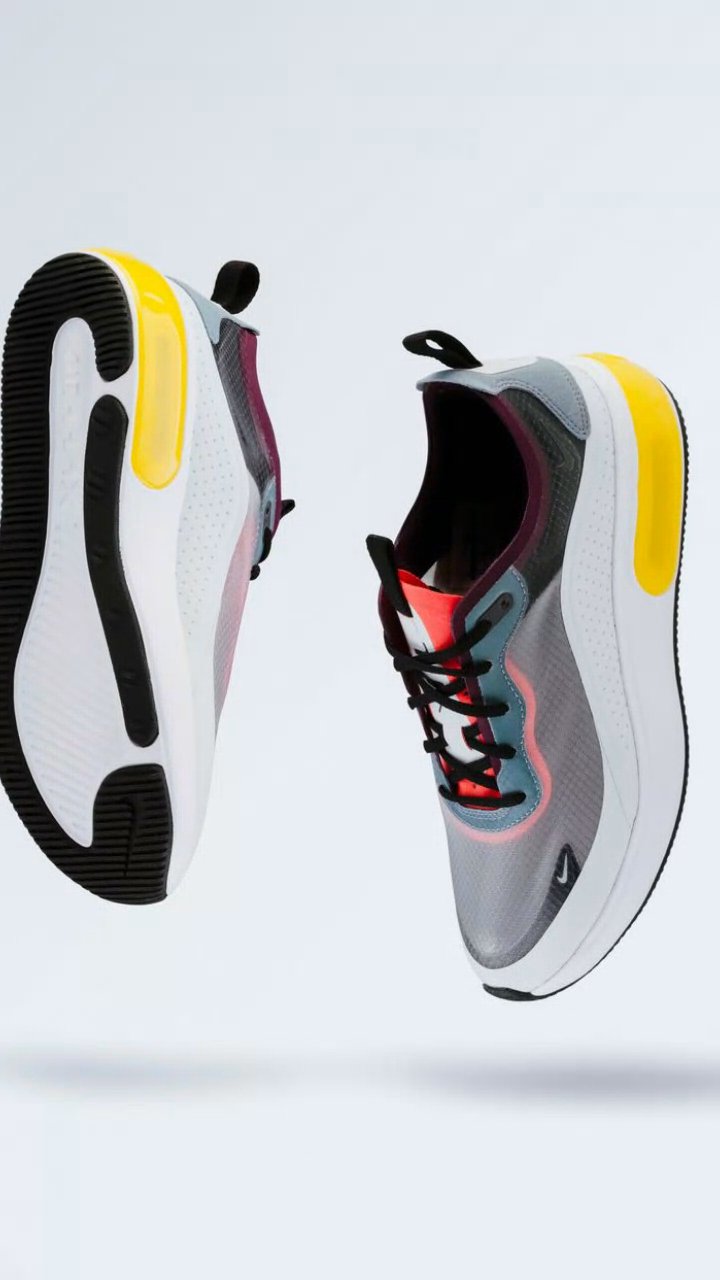
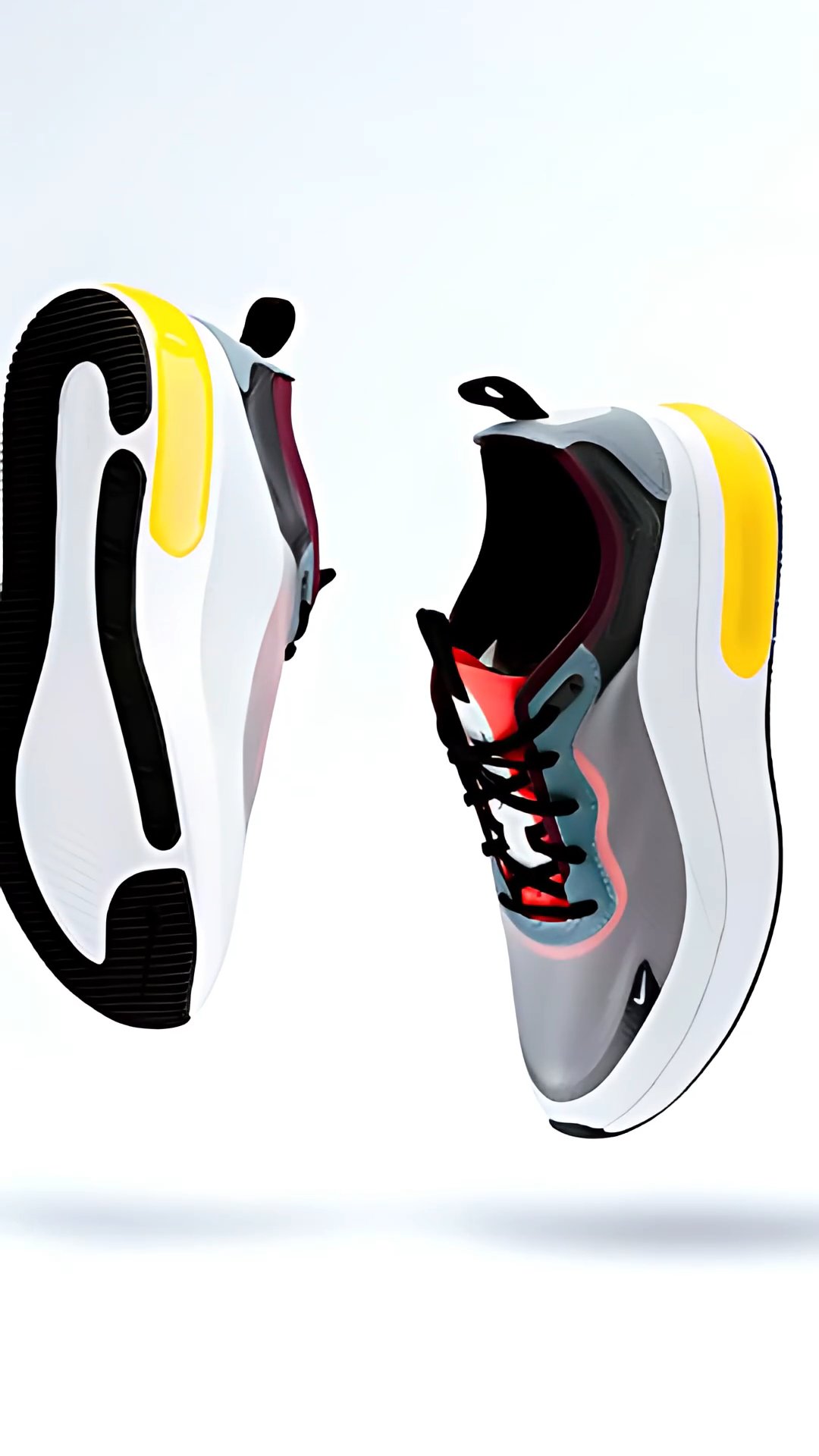
A 6-second vertical product test generated from the licensed shoe photo. Mesh, stitching and small markings remain review points; higher resolution does not certify packaging details.
Download the actual 1080p MP4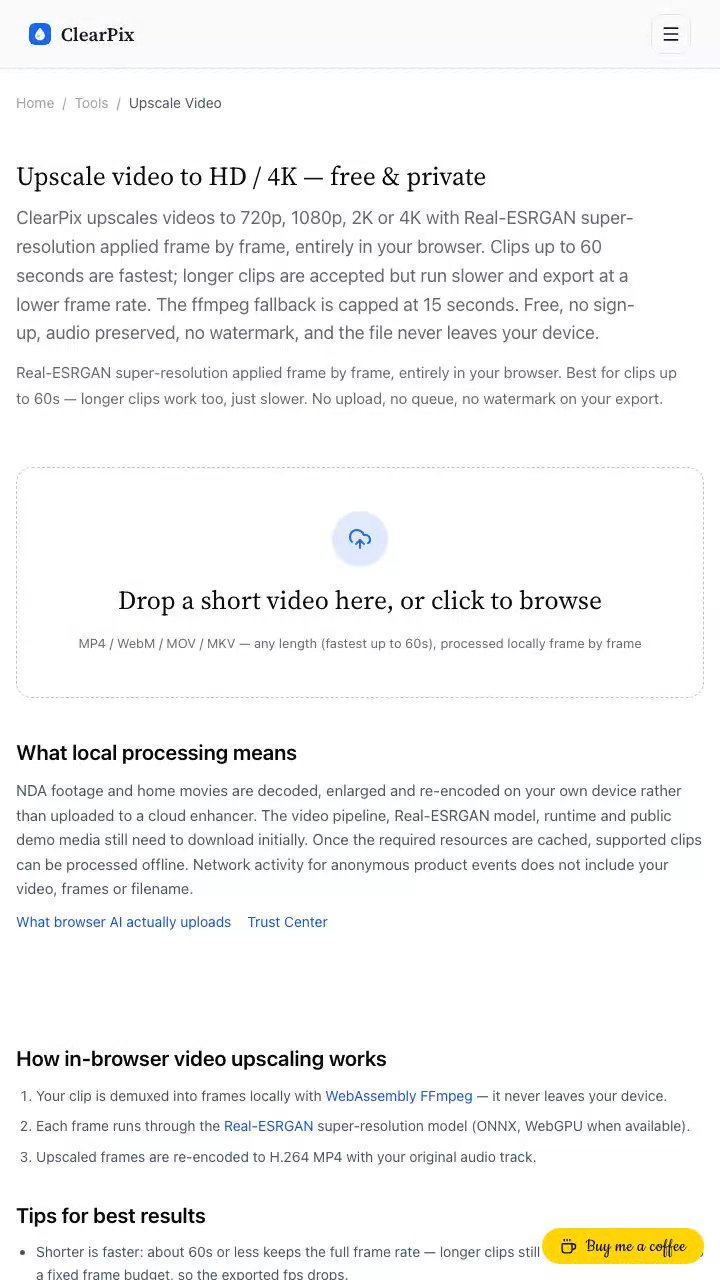
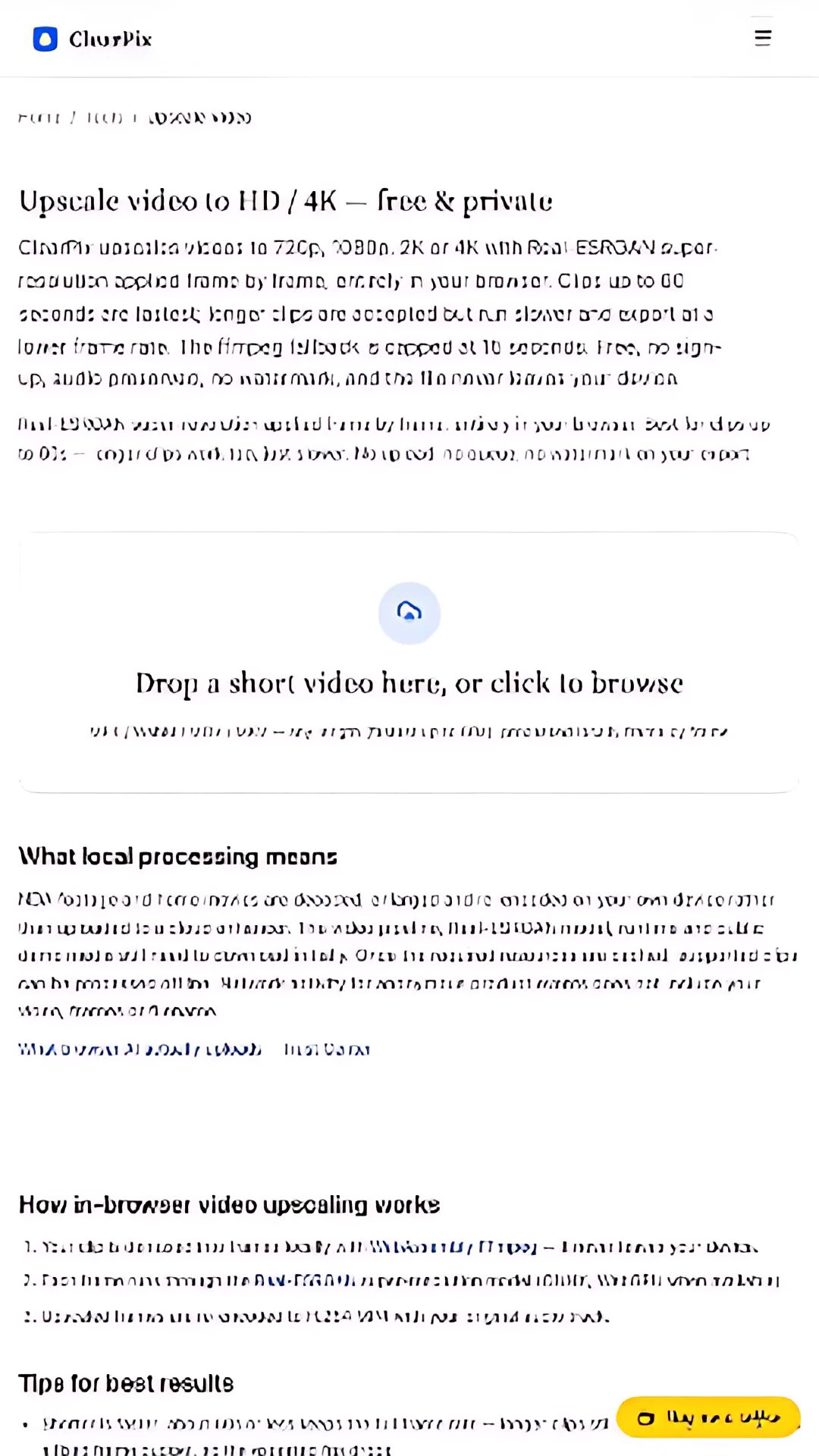
Failure case: this self-recorded 7.9-second page reaches 1080×1920, but small UI glyphs visibly warp and break. Do not use it as proof of successful screen-text enhancement.
Download the actual 1080p MP4Unpublished creator drafts, client clips and private vertical videos are processed on your device rather than uploaded to a social-video enhancer. The video engine, Real-ESRGAN model and public demonstration media still download initially. Once required resources are cached, supported short clips can be prepared offline. Anonymous product events do not include your footage, selected frames or filename.
Your file never leaves your device. All AI processing runs locally in your browser on your own hardware — there is no upload, no queue, and no copy stored on any server. You can disconnect from the internet after the page loads and everything still works.
The source may already be compressed, repeatedly exported or scaled, and TikTok transcoding and playback conditions can add softness. Compare the original MP4 on your phone first. A 1080×1920 export is a practical vertical canvas, not a guarantee against platform compression.
Not automatically. A clean 1080×1920 master is often the more practical vertical target. 4K can increase processing time and make noise or compression artifacts more visible without adding authentic detail.
Yes, the same vertical-source and export-once workflow applies. Reels and Shorts remain scenarios on this page rather than separate near-duplicate URLs. Review each platform’s current uploader instead of assuming identical processing.
The WebCodecs path recommends up to 60 seconds and a 360-frame budget with files up to 200 MB; longer inputs can be sampled and run slower. The ffmpeg fallback is limited to 15 seconds. Full-length movies, frame interpolation and unlimited-length processing are not offered.
No. The video engine and Real-ESRGAN model download initially, then frames are decoded, enhanced and encoded on your device. Public evidence videos may also load. Supported clips can be processed offline after the required resources are cached.