 ClearPix
Remove text watermarks from images
ClearPix removes text watermarks, captions and typed overlays from images for free, entirely in the browser. Auto Detect boxes text-shaped overlays when an image loads, and Rect or Paint lets you add faint or tiled text it misses. AI inpainting rebuilds only the selected pixels. PNG, JPG and WebP files are never uploaded; detection and inpainting run on the user's own device, and supported runs work offline after the required files are cached.
Erase captions, credit lines, "sample" text and typed overlays with automatic detection and AI inpainting — entirely in your browser. Free, no sign-up, and your image is never uploaded.
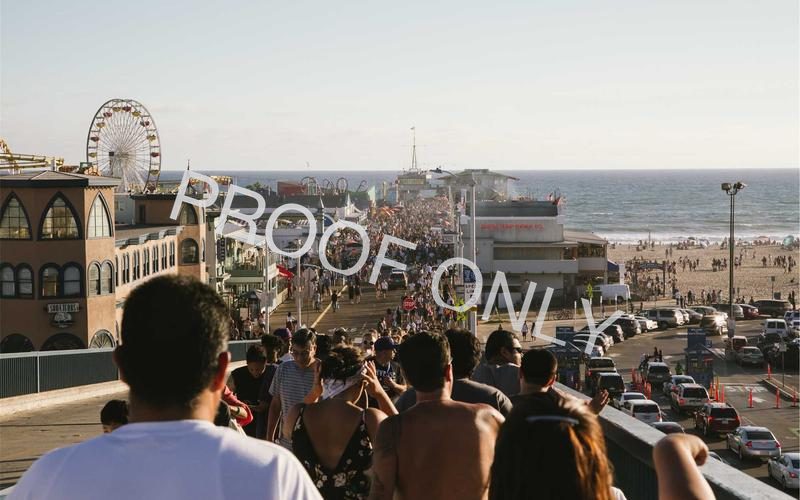
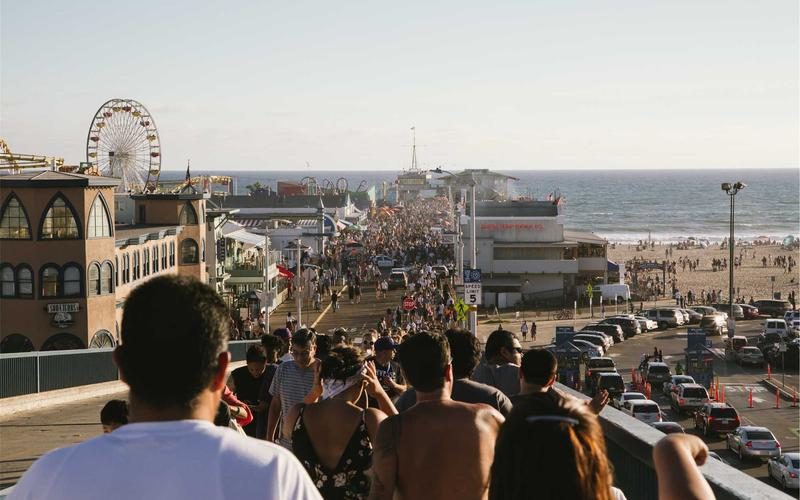
Drop your image here, or click to browse
PNG / JPG / WebP — processed locally, never uploaded · You can also paste an image (⌘V)
How does in-browser watermark removal work?
ClearPix uses MI-GAN, an inpainting neural network from Picsart Research (ICCV 2023), compiled to ONNX and executed by ONNX Runtime Web. Automatic detection combines a text-detection model with visual heuristics; when you confirm the boxes (or paint your own mask), the model analyzes the surrounding texture and synthesizes what should be underneath — on your own GPU via WebGPU, or on your CPU via WebAssembly. The image data never travels over the network, which makes this the most private way to clean up your photos.
Tips for best results
- Let auto-detect run first — dismiss any wrong boxes with one click, then hit Remove.
- When brushing, cover the whole watermark, slightly overlapping its edges.
- Use a smaller brush for thin text and a larger one for logos.
- Run the remover twice over stubborn areas — each pass refines the fill.
Only process images you own or have explicit permission to modify. Removing a watermark does not change the copyright status of the underlying content.
How it works
Upload the image
Drop any PNG, JPG or WebP carrying unwanted text. It opens locally — nothing is uploaded.
Let Auto-detect find the text
Detection runs when your image loads and boxes text-like overlays for you. Add faint or tiled text it misses with Rect or Paint, and remove any box that covers clean content.
Download the clean image
AI inpainting rebuilds whatever was under the text at full resolution. Brush over any missed words and re-run.
Your file never leaves your device. All AI processing runs locally in your browser on your own hardware — there is no upload, no queue, and no copy stored on any server. You can disconnect from the internet after the page loads and everything still works.
Frequently asked questions
Do I have to paint over every word by hand?
Usually not. Auto-detect recognizes text-shaped overlays and boxes them on its own; your job is reviewing the boxes and dismissing any misfires. The brush is there for the stragglers.
What about faint or semi-transparent text?
Use Rect or Paint to include faint, tiled or low-contrast text that automatic selection skips. Keep the mask tight: the model rebuilds every pixel you select, so unnecessary clean footage makes artifacts easier to see.
Huge text across the whole image — can that be fixed?
Large central text is the hardest case because big areas must be re-imagined rather than rebuilt. On simple backgrounds it works well; over detailed scenes expect some softness. Shrinking the mask to hug the letters tightly helps a lot.
Does it handle handwriting or stylized fonts?
Detection is tuned for printed and typed text. For handwriting, brush over it manually — inpainting handles the rest the same way.
Is my image sent to a server for detection?
No. Detection and inpainting run on your own device inside the browser. Supported runs continue offline after the page, model and runtime files are cached.
How do I upscale the image after removing the text watermark?
Download the cleaned image, then open the ClearPix image upscaler and drop the file in — it enlarges pictures 2× or 4× with Real-ESRGAN super-resolution and exports a full-resolution PNG, still entirely on your device with no upload. Clean first, upscale second: the upscaler then enhances only the real content instead of sharpening whatever was under the text.