 ClearPix
Materials, texture and color
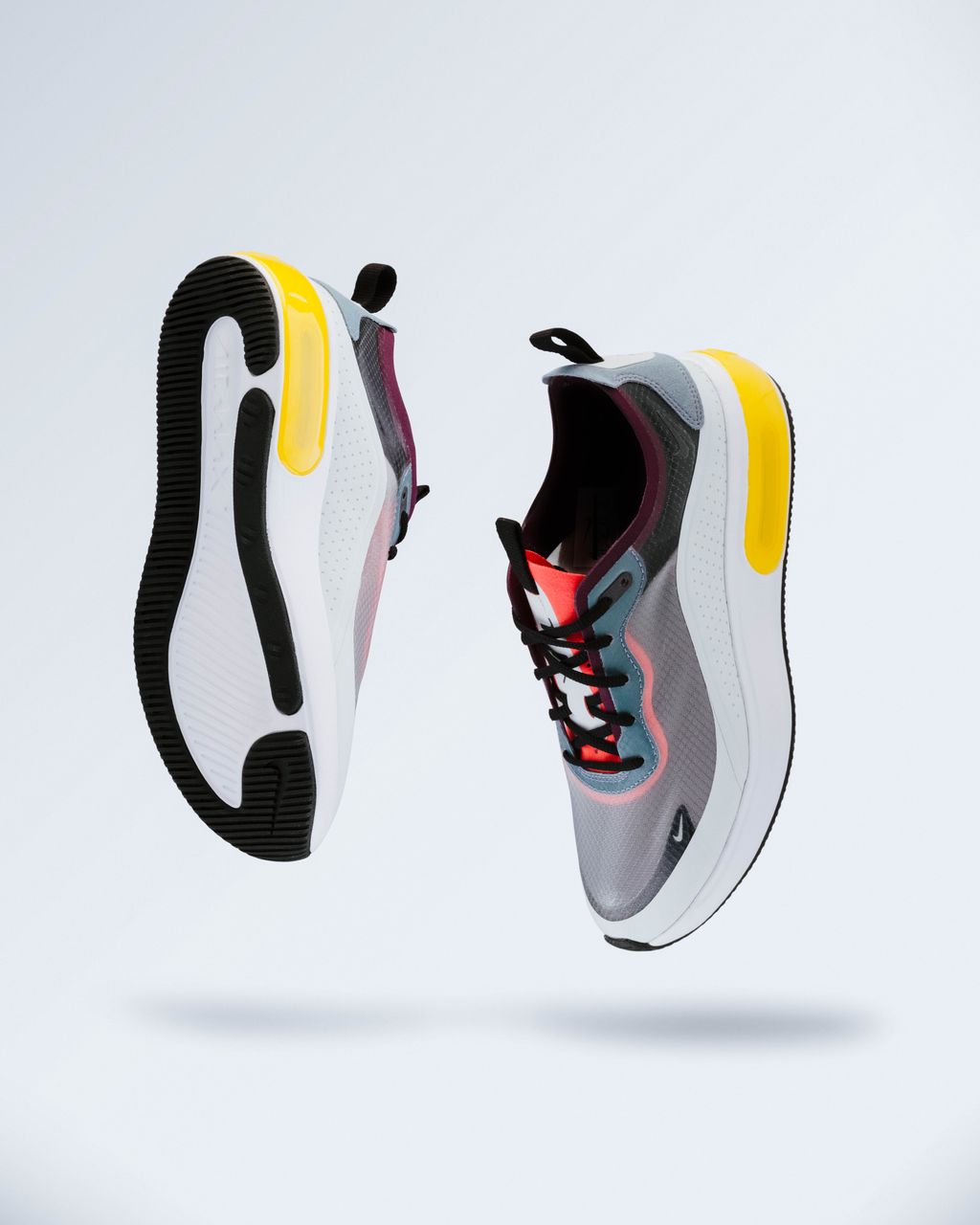
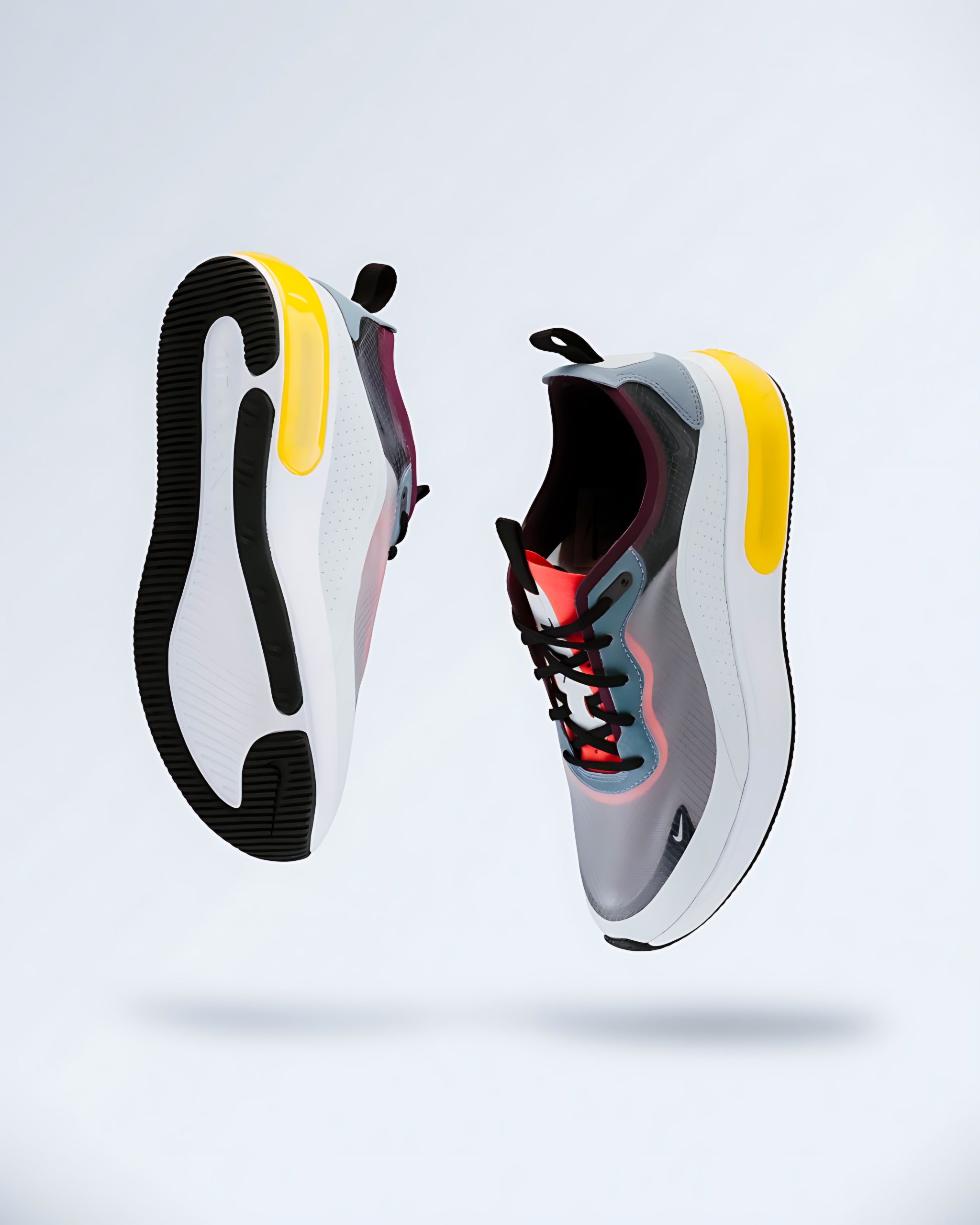
The shoe panels show no obvious hue shift in this review. Mesh and sole texture still need inspection for invented detail.
ClearPix enlarges individual product images 2× or 4× with Real-ESRGAN on your device, keeping unreleased products and client catalogs private. Compare actual label, material and dense-detail outputs before downloading. It does not generate product photography, run batch jobs or provide marketplace presets, and it cannot repair focus, exposure, color accuracy or composition.
Increase the resolution of a single product photo while keeping the source and result on your device. Use the real examples to judge labels, logos, texture and color instead of expecting AI to create authentic product details.
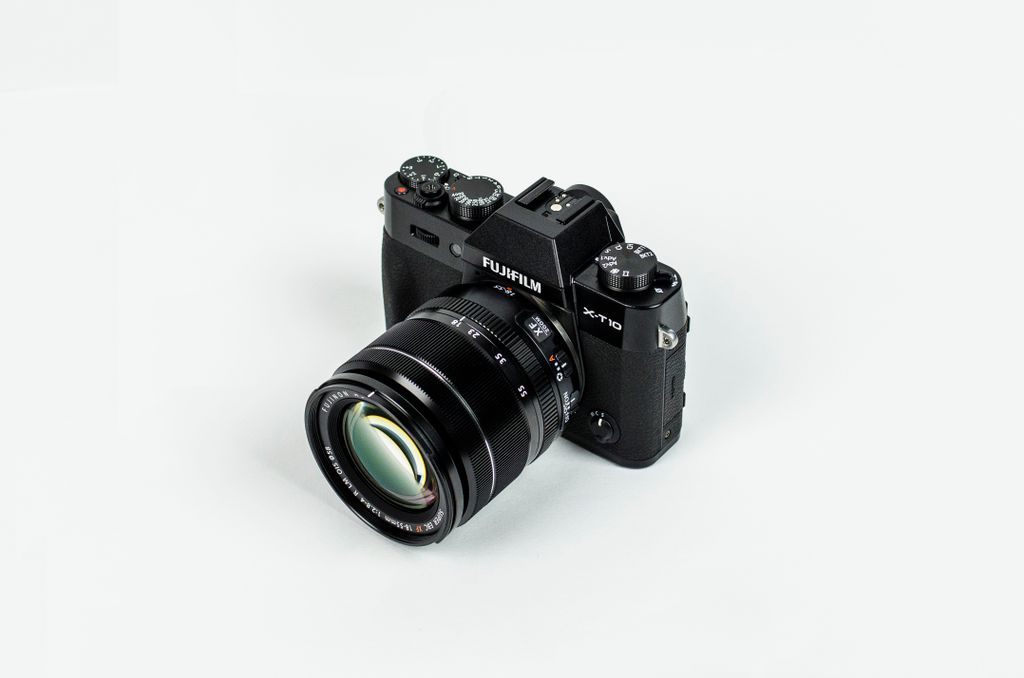
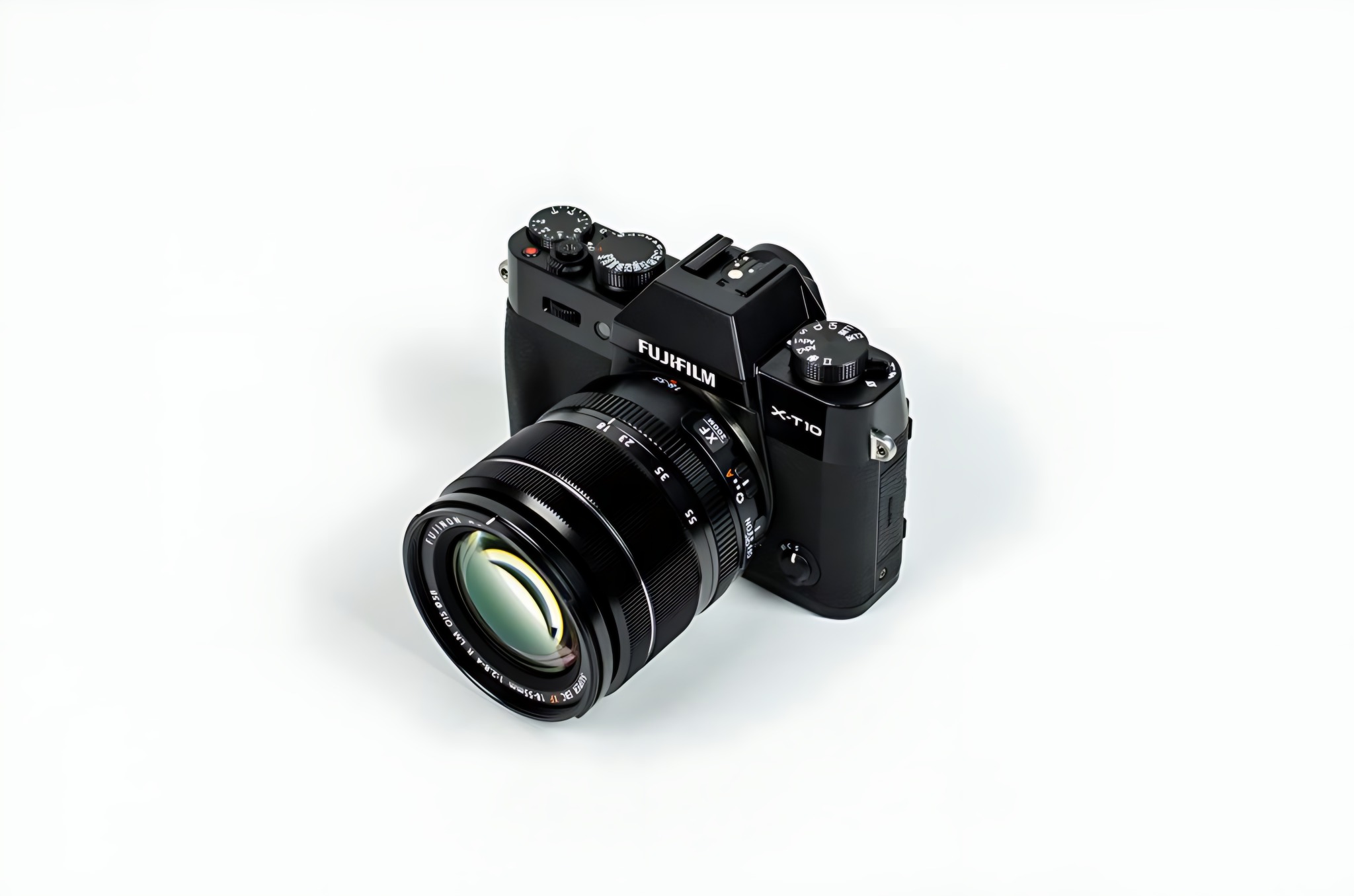
Pexels camera photo and actual ClearPix 2× output. Brand labels remain readable; fine lens-ring lettering is predicted texture, not verified OCR.
PNG / JPG / WebP — longest side up to 2048px for in-browser processing · You can also paste an image (⌘V)
Real-ESRGAN is a neural network trained on real-world image degradation. Unlike a simple resize, it reconstructs plausible high-frequency detail — sharper edges, recovered texture, cleaned-up compression artifacts. ClearPix runs the model in overlapping tiles on your own GPU (WebGPU) or CPU (WebAssembly), so even large images process safely without any server.
Only process images you own or have explicit permission to modify.
Use the original PNG, JPG or WebP with one clearly visible product and the most accurate focus, exposure and color you have. The input ceiling is 2048 px (1400 px without WebGPU).
Use 2× when you need a moderate resolution increase and fewer artifacts. Choose 4× only when the target genuinely needs more pixels, then inspect labels, logos, mesh, stitching and edges at 100%.
Download only after checking that the output has not invented packaging text, changed brand colors or created misleading material details. Continue to background removal if the listing needs a transparent or white cutout.
The three public cases use licensed Pexels inputs and downloaded ClearPix 2× outputs. They are not customer images or marketplace guarantees. Source links, dimensions and review notes are published in the evidence manifest.
The shoe panels show no obvious hue shift in this review. Mesh and sole texture still need inspection for invented detail.


Screens, cables and wood grain become sharper, not more authentic. Use this as a warning example rather than a single-product preset.
Unreleased product photos and client catalog assets are enlarged on your device, not sent to a remote enhancement service. Real-ESRGAN, ONNX Runtime Web and public comparison images still download before the first run; your labels, logos and product details never leave the browser for processing. Once required resources are cached, supported 2× and 4× runs work offline. Anonymous events contain no image or filename.
Your file never leaves your device. All AI processing runs locally in your browser on your own hardware — there is no upload, no queue, and no copy stored on any server. You can disconnect from the internet after the page loads and everything still works.
It can increase pixel dimensions and predict clearer edges, but it cannot restore missed focus, correct exposure, calibrate color or improve composition. Start with the most accurate original and inspect the result before publishing.
No output should be treated as an exact guarantee. Large labels often remain readable, but small lettering and logos can gain predicted strokes. Compare them at 100% and never use enhancement as proof of packaging authenticity.
No. This page is for one image at a time in the browser. It does not offer batch processing, marketplace-specific presets, catalog workflows, an API or AI product-photography generation.
For a cutout, either step can work, but review edges at the final size. Use the background remover when you need transparency or a white background, then upscale the finished composite if more pixels are required.
No. Real-ESRGAN and ONNX Runtime Web run locally. The model, runtime and public evidence images download initially; your source and result are not sent for processing. Supported runs work offline after required resources are cached.